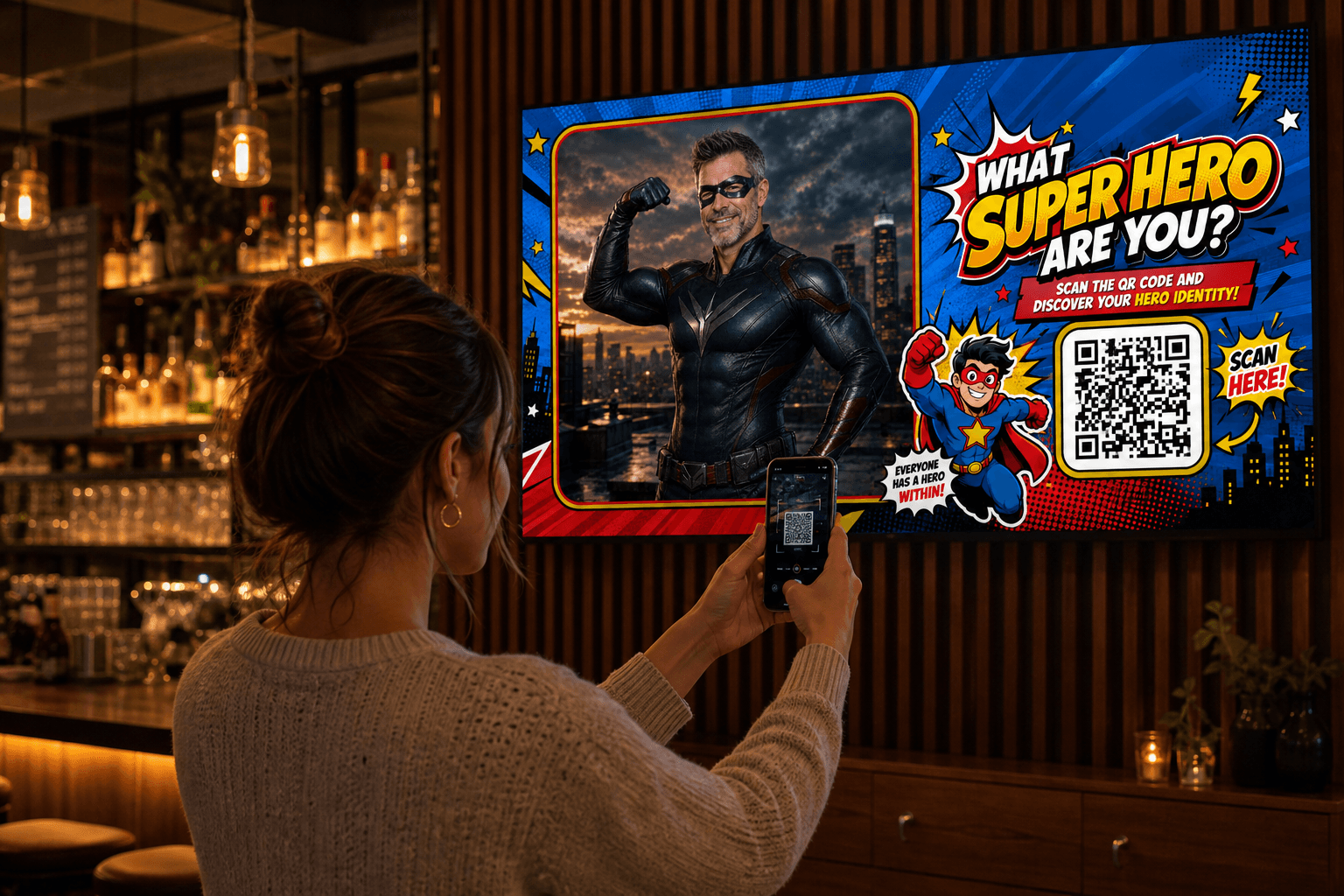
Scan
Guests scan your QR code. Nothing to install.
 MomentsLog in
AI PHOTO EXPERIENCES FOR REAL EVENTS
Turn any screen into a fun AI photobooth in just a few clicks. It works straight from your browser, so there’s no app to install and nothing to download. Perfect for parties, celebrations, events and more.
Create in minutes · Start, pause and resume anytime · Only live time counts
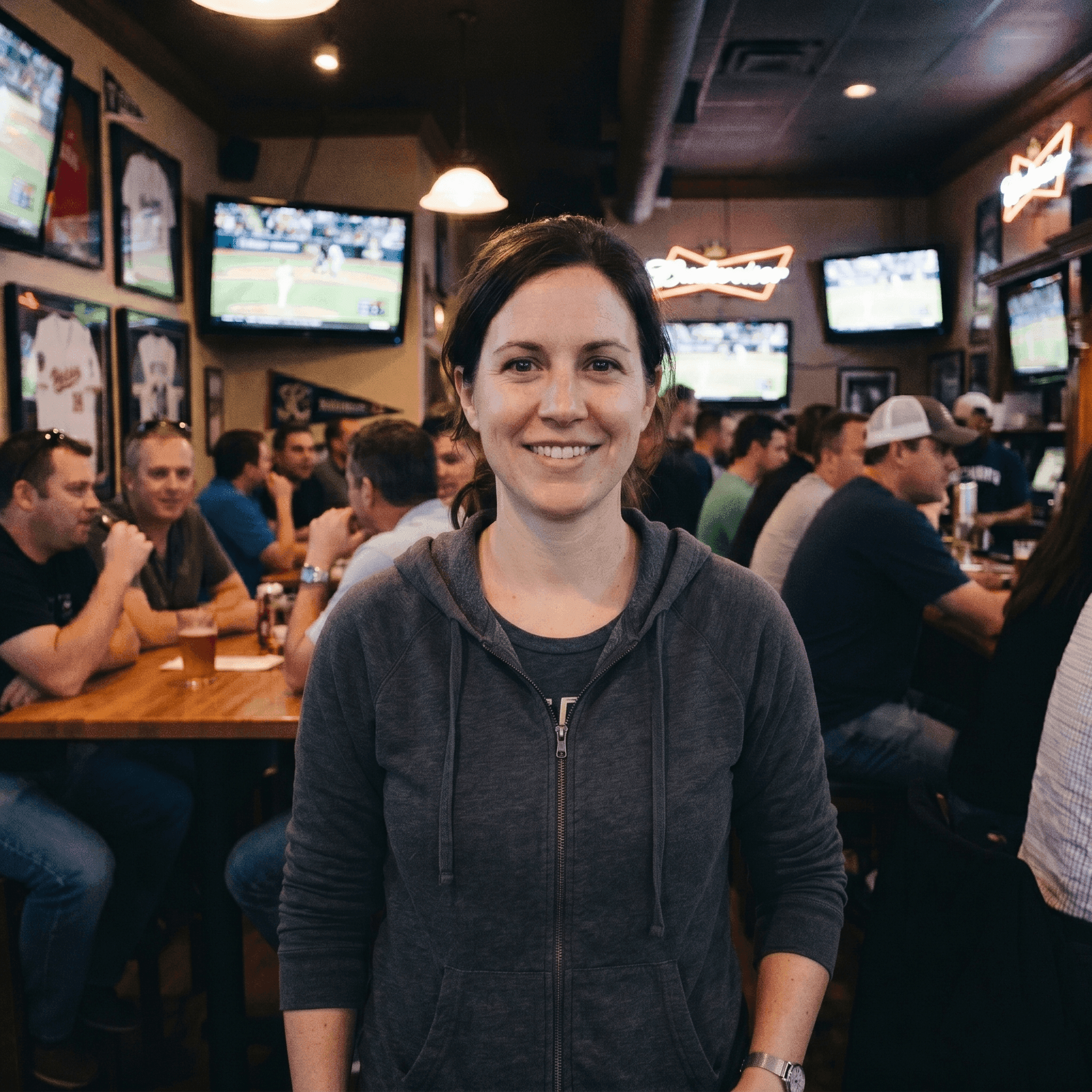
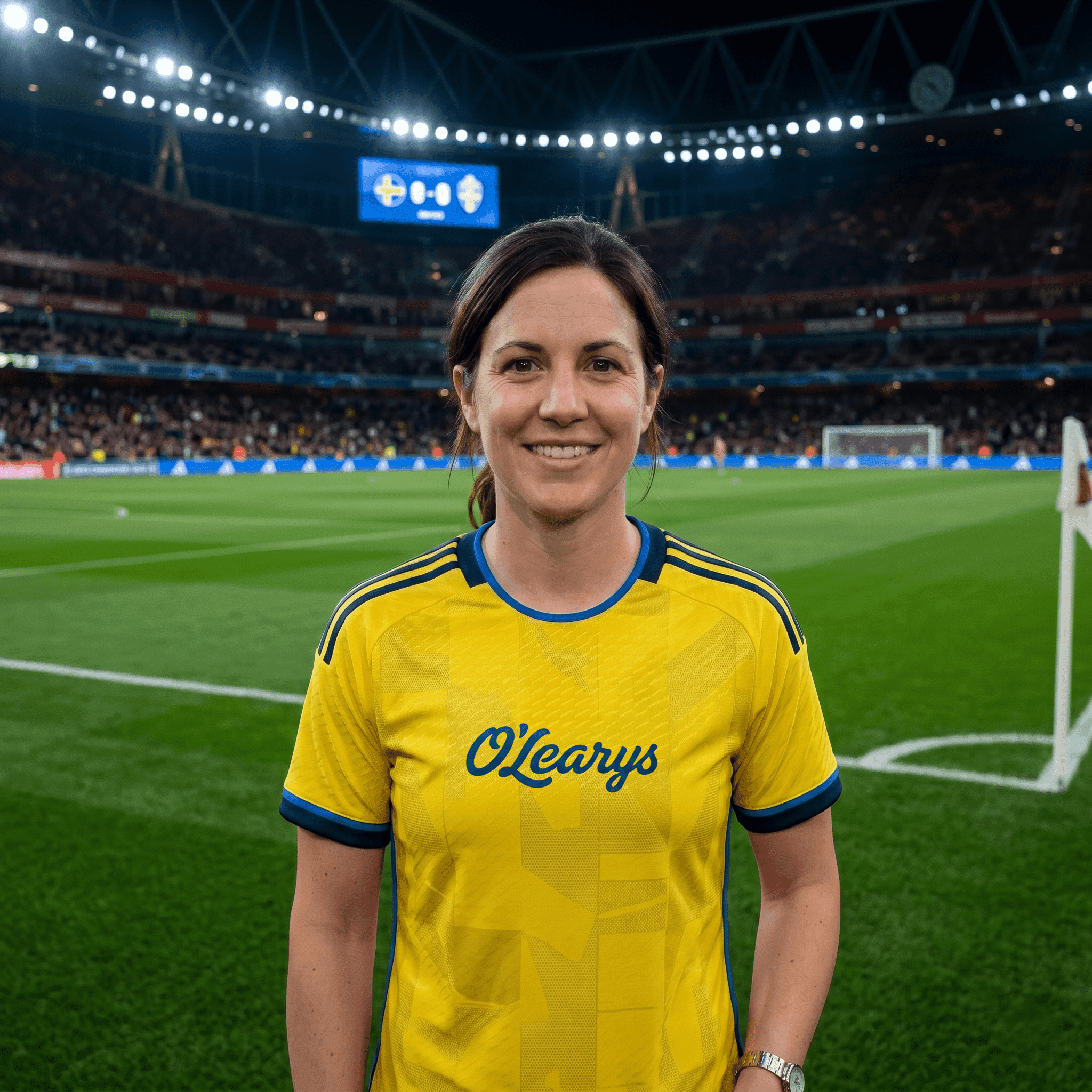 BEFOREAFTER
Previously seen at


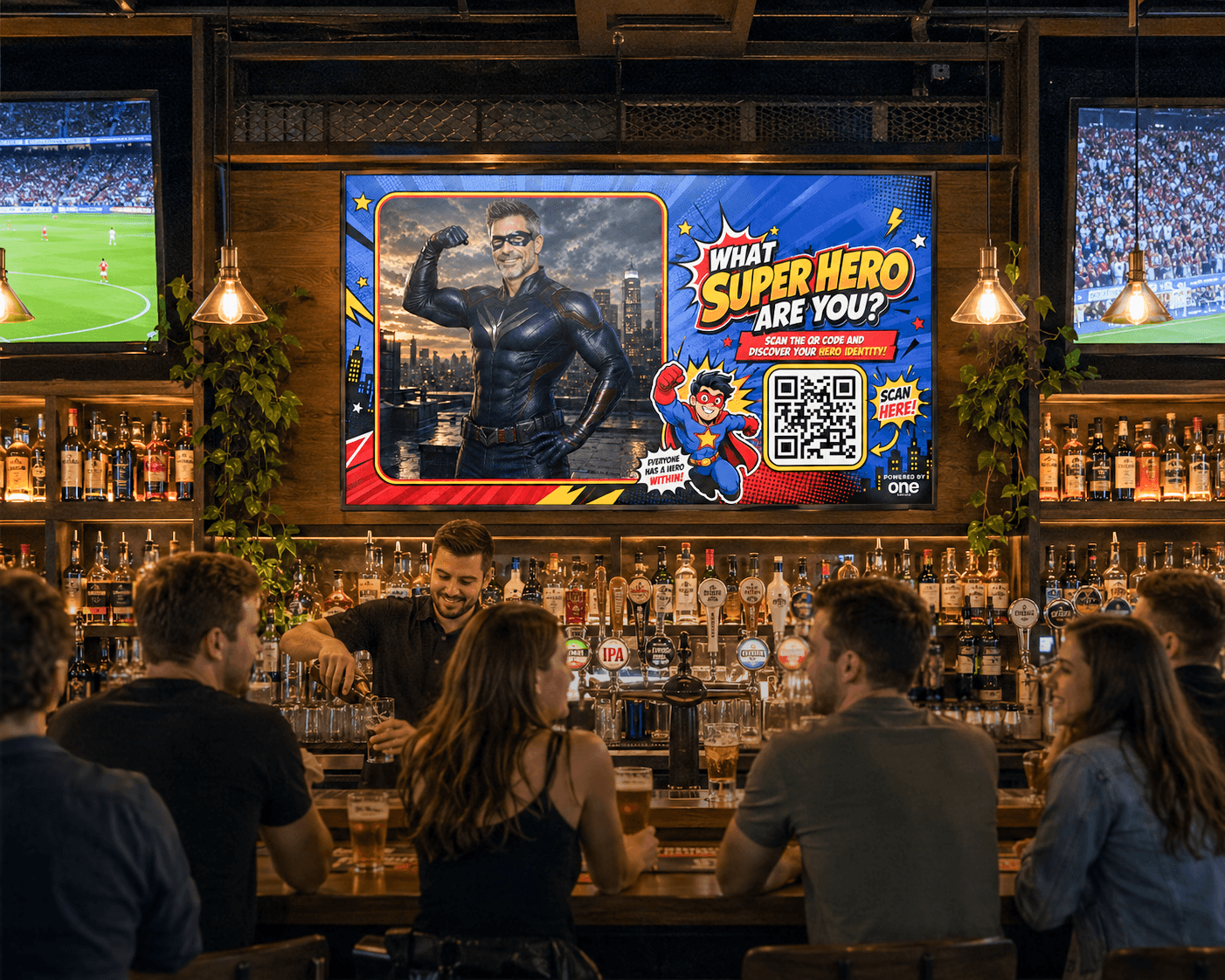
HOW IT WORKS
Guests scan your QR code. Nothing to install.
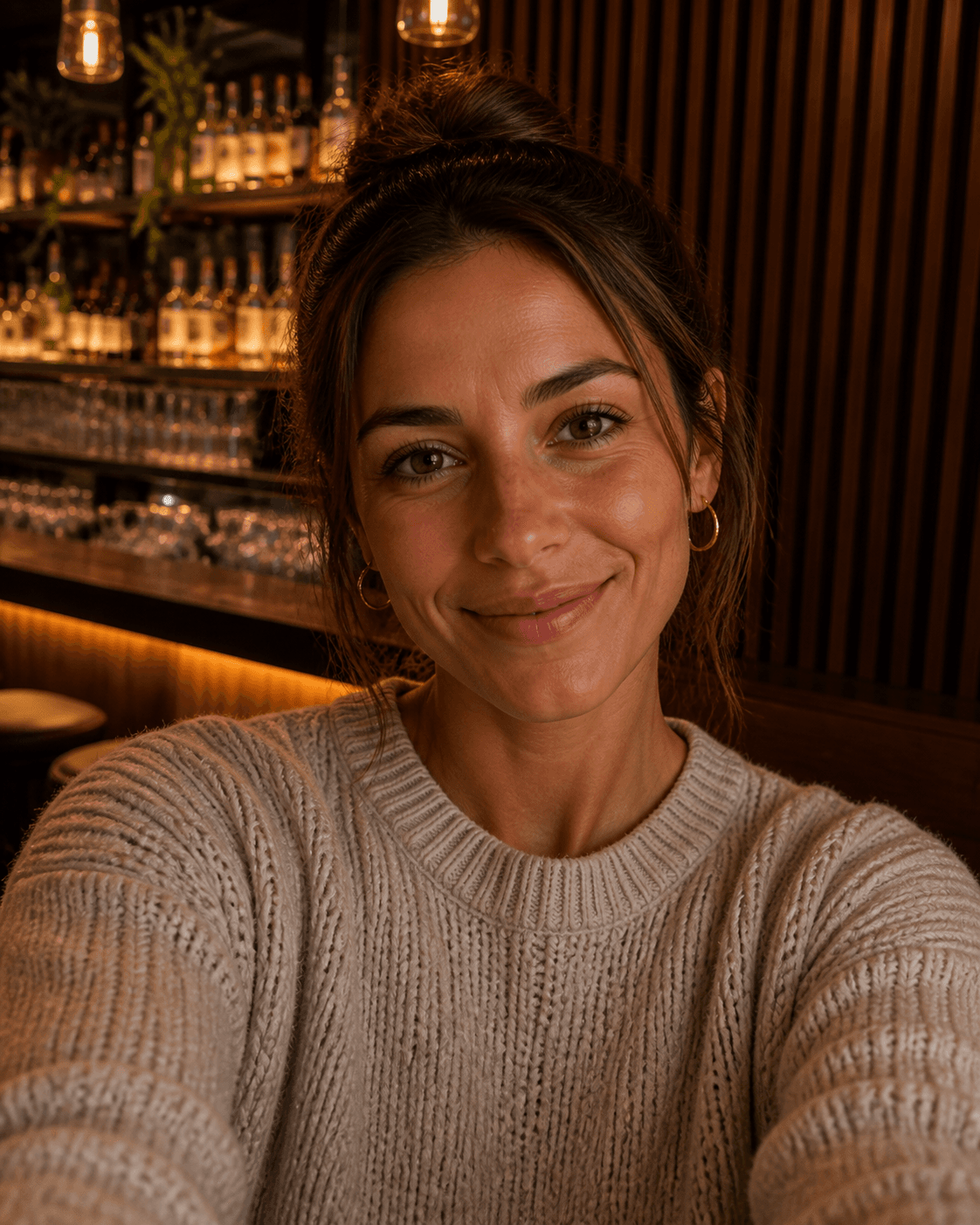
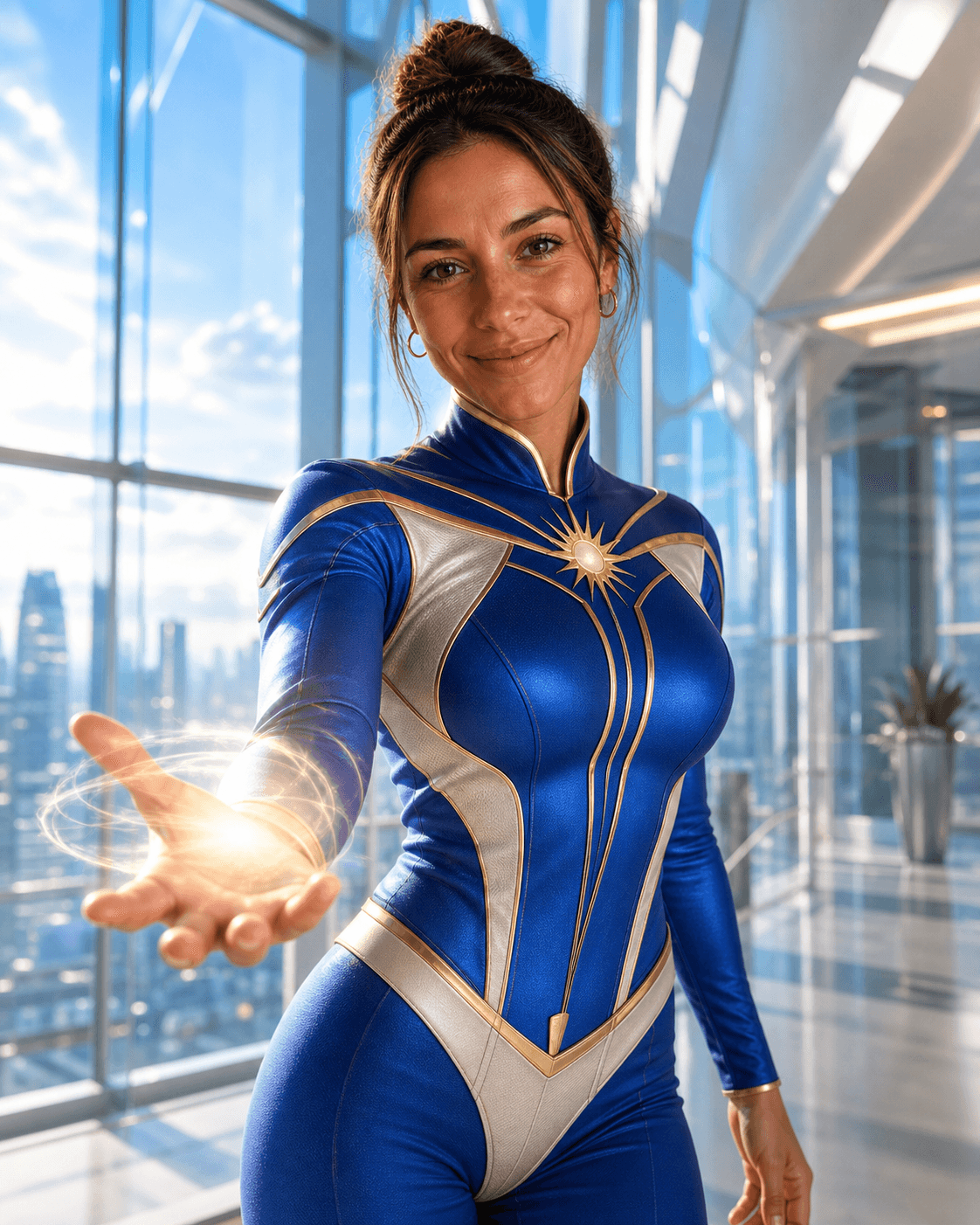
They take or upload a photo and Moments creates the themed result.
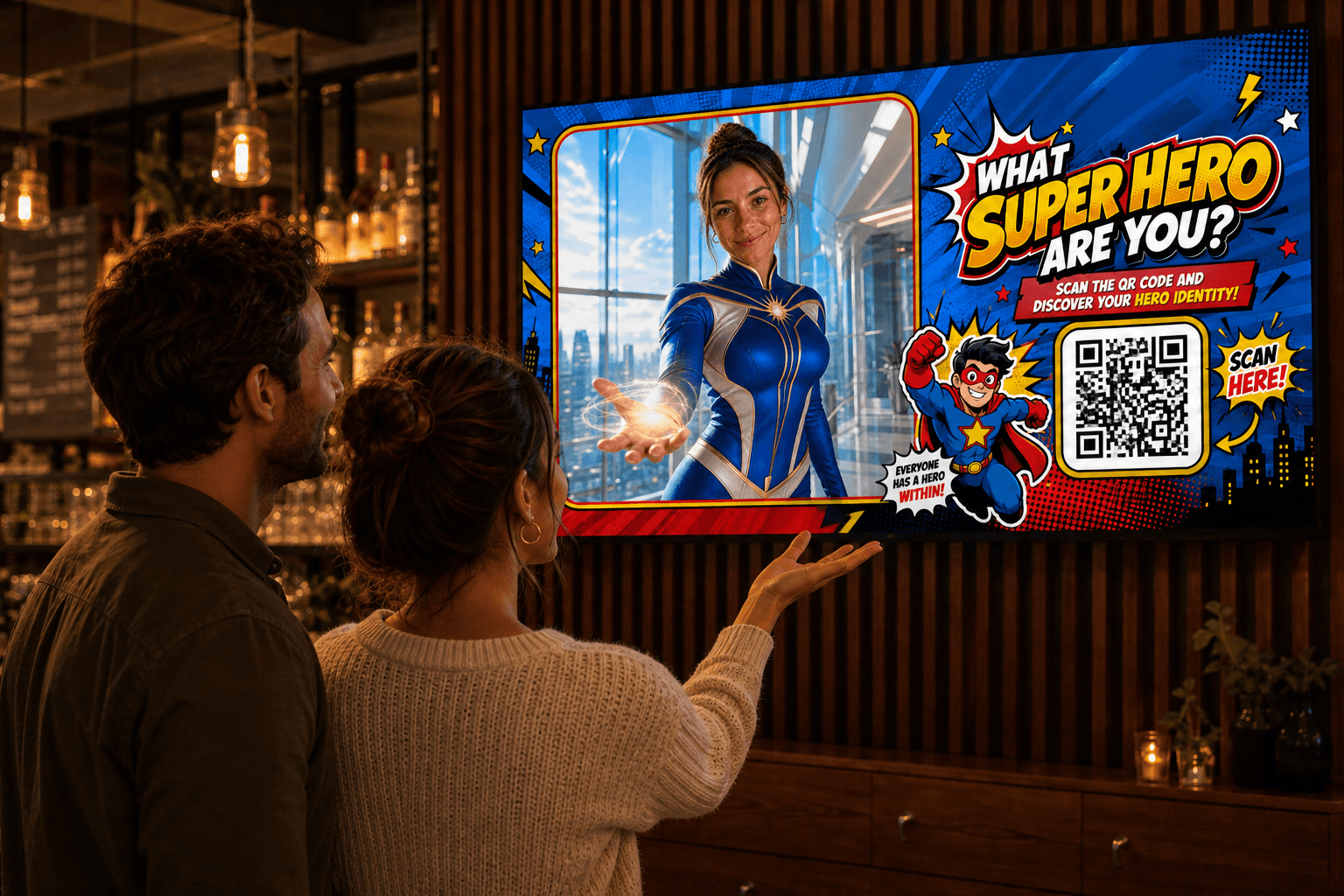
The result becomes part of the atmosphere, on their phone or your screen.
THE POSSIBILITIES
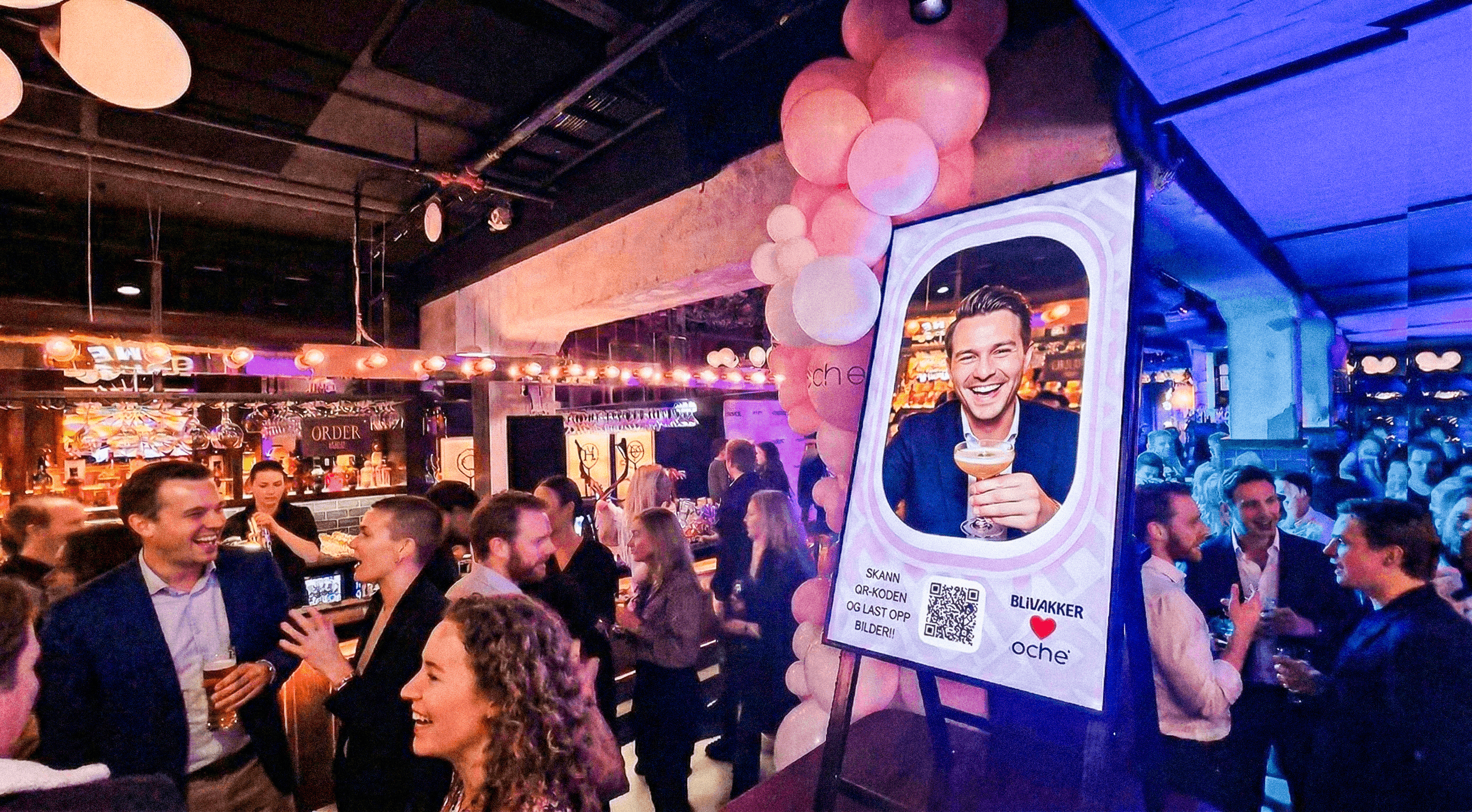
Create an AI-powered transformation or keep it classic with a simple real-life photo booth experience. Choose what suits your event, your audience and the feeling you want to create. You have complete creative control.
WHY MOMENTS
Give them something worth sharing.
Turn passive visitors into part of the event.
Let guests create event imagery while they are right there in the room.
Bring results back onto screens so participation becomes part of the show.
MORE THEMES. MORE FUN.
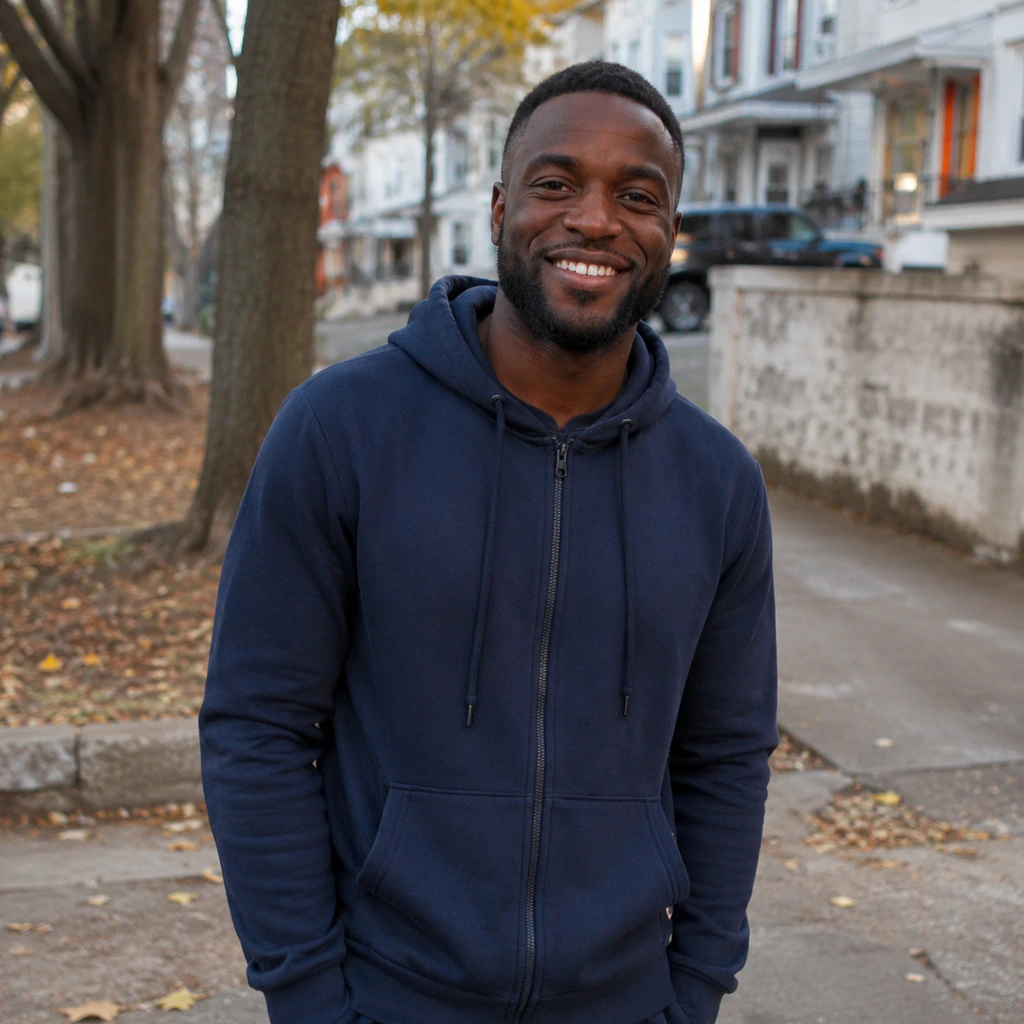
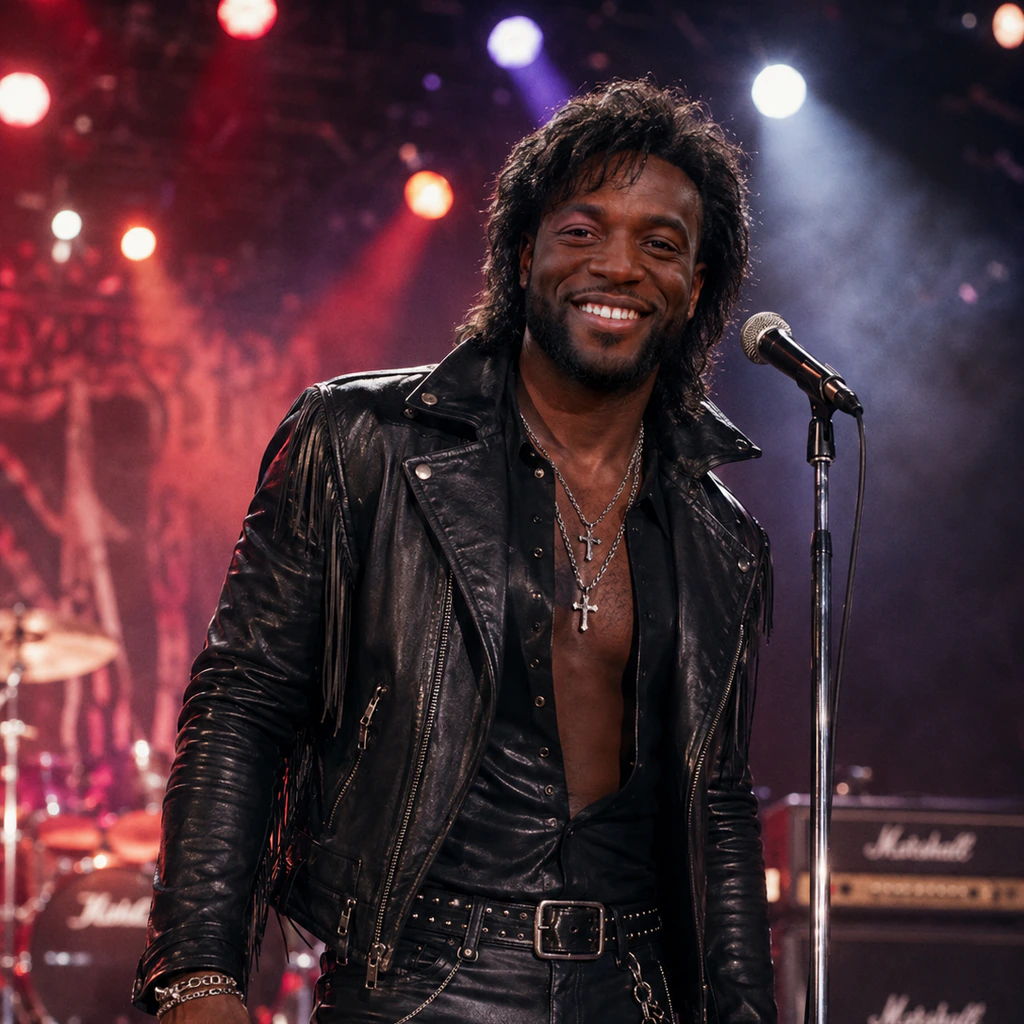
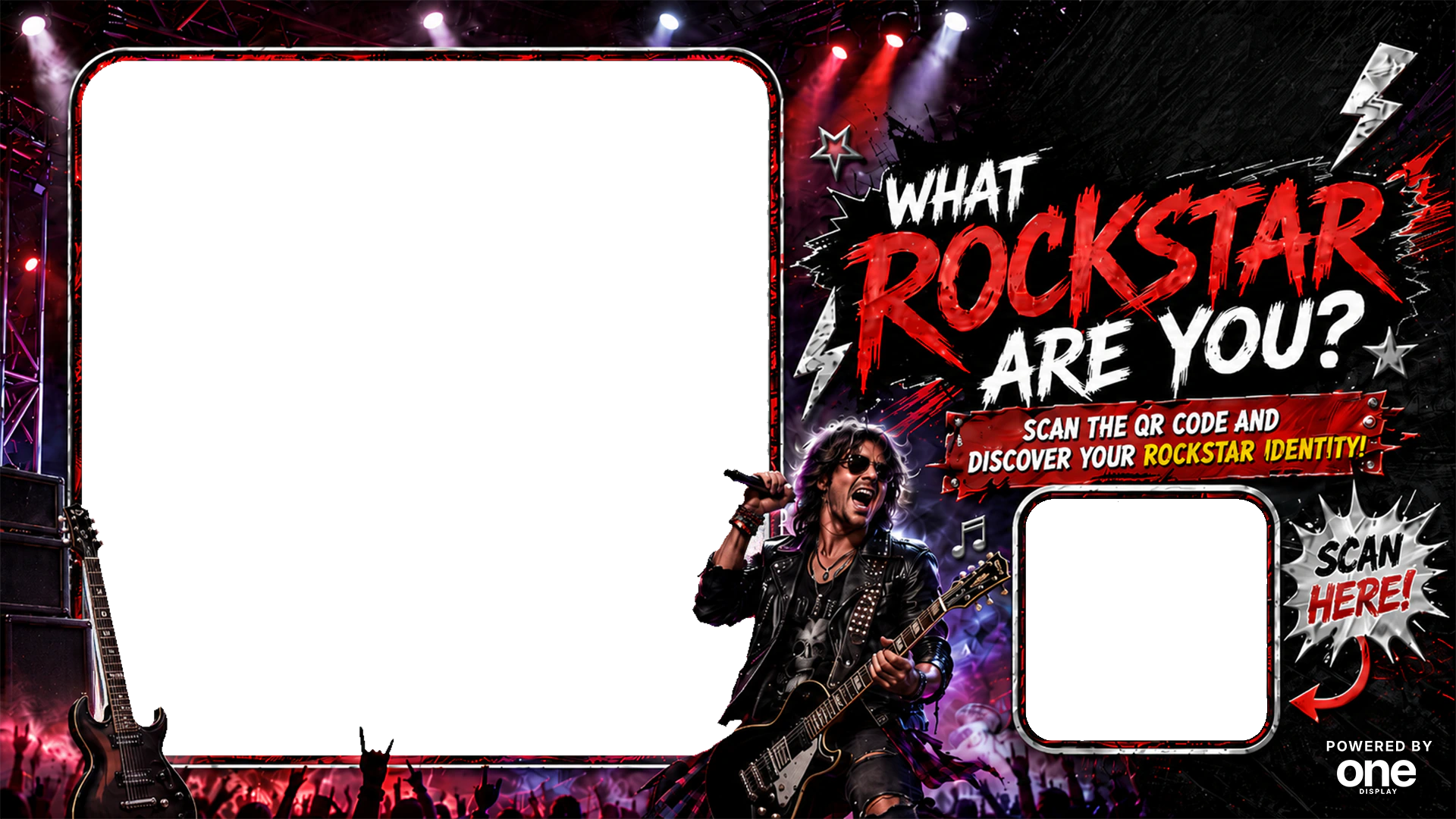
Match the transformation to the night. Every preview below uses the real guest result, screen artwork and QR placement from a published Moments theme.
Turn up the volume
Rockstar!
UP AND RUNNING FAST
Moments works as a standalone product. Create your Moment, generate the QR code and go live.
No OneDisplay account required.FAQ
Click “Create a Moment” to open the sign-up page. From there, the guided setup helps you create your Moment and enter your payment information. The process is designed to get you up and running within minutes.
No. You can use Moments without a OneDisplay account. If you already use OneDisplay, you can also use your existing screens and schedule Moments to interrupt your current content.
No installation is required. You only need a TV or screen with a web browser and a reliable internet connection so it can open your unique Moments URL.
You receive 24 flexible live hours of Moments, access to numerous themes, and a dashboard where your images and consented email addresses are securely stored.
Only the time your Moment is running counts. For example, if you run it for two hours and then pause it, you still have another 22 hours available to use later.
Yes. The setup includes a preview so you can check and test your Moment on your intended screen before you go live.
Yes. The standard Moments setup lets you upload your logo and choose whether to use an AI transformation or a classic photo experience. More advanced layout control—including additional text and branding assets—is available through a OneDisplay account with the Layouts feature activated.
Absolutely. Enable moderation to approve each photo before it becomes visible on your screen.
FLEXIBLE PRICING
Switch Moments on when the crowd arrives. Pause when the event ends. Your remaining hours wait for next time.
Choose what fits.Add more days during setup.
Create a Moment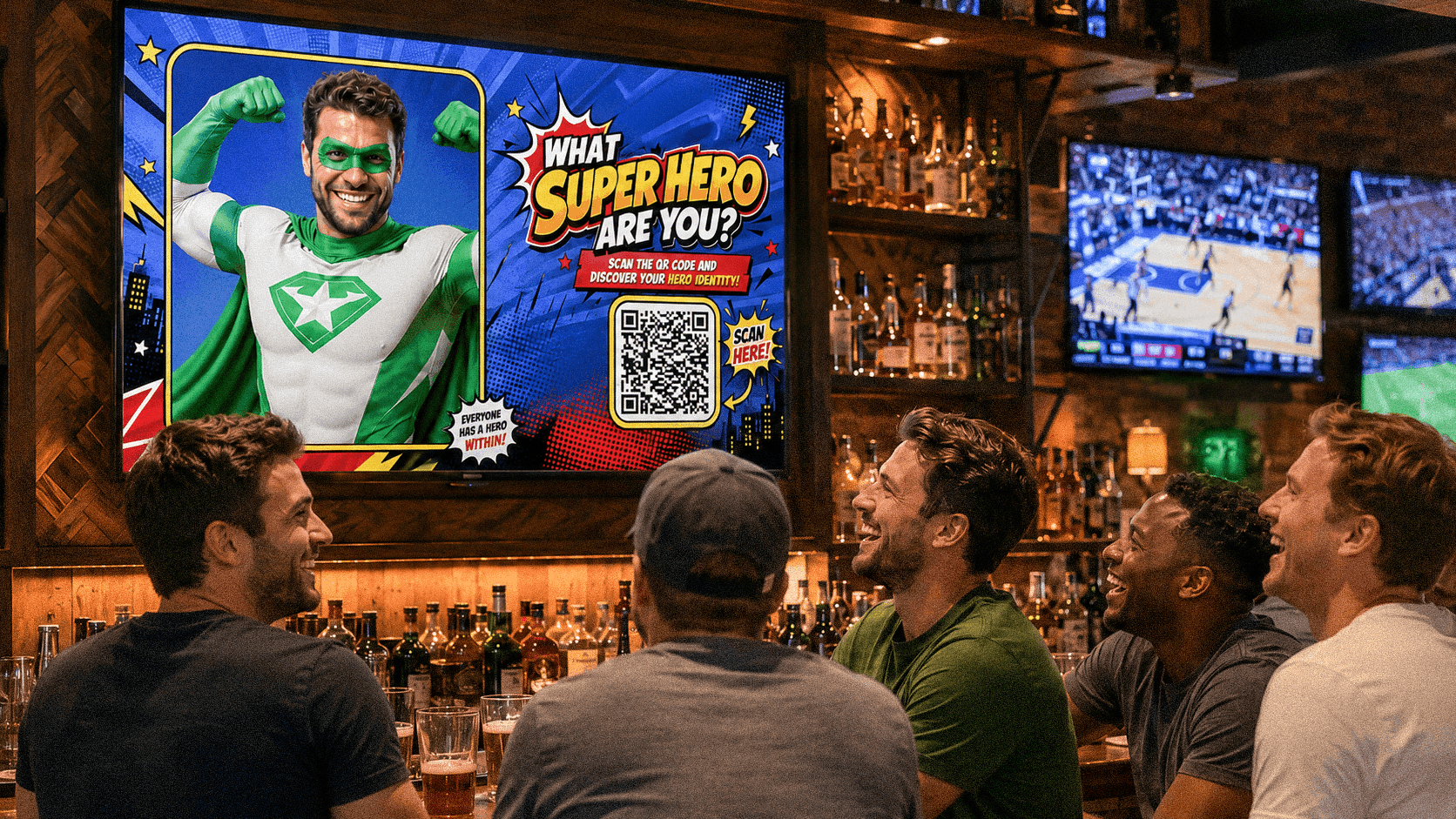
YOUR EVENT COULD START HERE
Set up in minutes · No app · No OneDisplay account